- HTML 90.2%
- JavaScript 7.4%
- CSS 2.1%
- Dockerfile 0.3%
| assets | ||
| dist | ||
| sampels | ||
| src | ||
| test | ||
| .babelrc | ||
| .eslintignore | ||
| .eslintrc | ||
| .gitignore | ||
| .travis.yml | ||
| Dockerfile | ||
| index.js | ||
| LICENSE | ||
| package-lock.json | ||
| package.json | ||
| README.md | ||

github-wikito-converter
Overview
Github Wikito Converter allows you to generate HTML & PDF documentation from your Github wiki or any other markdown-based wiki. It is build on top of Limedocs Wiki Converter and contains new features and bug fixes, check the release notes to see them.
Detected project type: Node.js / JavaScript.
This repository was migrated from upstream source github.com/shafiqalibhai/github-wikito-converter and is preserved here for archival, reference, or continued local development.
At a glance
- Default branch:
develop - Visibility: public
- Size: 1.5 MB
- Created: 2026-04-27
- Last updated: 2026-04-27
- Stars / Forks / Open issues: 0 / 0 / 0
- License: MIT
Languages
| Language | Bytes | Share |
|---|---|---|
| HTML | 352,835 bytes | 90.4% |
| JavaScript | 29,005 bytes | 7.4% |
| CSS | 8,374 bytes | 2.1% |
Repository structure
assets/dist/sampels/src/test/.babelrc(17 B).eslintignore(22 B).eslintrc(516 B).gitignore(588 B).travis.yml(174 B)index.js(50 B)LICENSE(1,275 B)package-lock.json(308,931 B)package.json(2,162 B)README.md(5,611 B)
Getting started
Clone the repository:
git clone https://forgejo.deployview.com/ssa/github-wikito-converter.git
cd github-wikito-converter
Installation
npm install
# or
yarn install
# or
pnpm install
Usage
Run scripts defined in package.json:
npm start    # or whatever script your project defines
npm test
Original README
The content below is preserved from the previous README. Headings have been demoted so they don't compete with the new top-level sections.
Github Wikito Converter
Github Wikito Converter allows you to generate HTML & PDF documentation from your Github wiki or any other markdown-based wiki. It is build on top of Limedocs Wiki Converter and contains new features and bug fixes, check the release notes to see them.
Check out sample HTML and PDF files generated from okhttp wiki.
Prerequesites
- Node.js or io.js
- wkhtmltopdf (only necessary for pdf output format)
Note: The patched-QT version of wkhtmltopdf is required for pdf export. Without it, gwtc output can be found as an empty pdf file. See issue (#39) for details.
Installation
Public version
npm install -g github-wikito-converter
Local version
Download github-wikito-converter sources, open termial at the root the folder, and run:
npm run build-and-install-g
Usage
Basic usage
### Clone your github wiki for example
git clone https://github.com/yakivmospan/github-wikito-converter.wiki.git

### Convert your wiki
gwtc ./github-wikito-converter.wiki
Usage help
  Usage: gwtc [options] <wiki-dir>

  Convert a wiki

  Options:

    -h, --help                   output usage information
    -V, --version                output the version number
    -f, --format <format>        Format to convert to. Either html, pdf, or all [default: html]
    -o, --output <output-dir>    Output dir [default: './']
    -n, --file-name <file-name>  Output file name [default: documentation]
    -t, --title <title>          Wiki title [default: Documentation]
    -d, --disable-inline-assets  Disable inlining of images, css and js in html document
    --logo-img <logo-file>       Logo image file
    --footer <footer>            Wiki footer
    --toc <toc-file>             Wiki TOC file
    --toctitle <toc title>       Title of the toc [default: Table of contents] (default: "Table of contents")
    --toc-level <level>          Table of contents deep level [default: 3]
    --highlight-theme <theme>    Highlighter theme [default: github]
    --css <css-file>             Additional CSS file
    --pdf-page-count             Enable PDF page count
    -v --verbose                 Verbose mode
Formats
HTML
Pages to be included in the documentation
By default, Github Wikito Converter will check for the following files to use as a table of contents (TOC):
_Toc.md_Sidebar.md(which is the default sidebar file on Github wikis)
When finding a TOC, gwtc will only generate pages linked from this TOC. Supported link formats are:
- Markdown links with local path
[Call Log](Call-Log)/[Log](Call-Log.md)/[Calls](/Call-Log.md); - Markdown links with remote (http/https) path
[Calls](https://github.com/yourrepo/someproject/wiki/Call-Log). Only those links that are placed in TOC will be converted to local page ids; - Github wiki links
[[Call Log]]/[[Call-Log]]/[[Call Log|Call-Log]]/[[Log|Call Log]].
Inlining
By default, the HTML output format will generate a single-page HTML document of you wiki, with all assets inlined, such as images, css, and javascript. So all you need to transfer documentation (to a colleague for example) is to send him/her this unique file.
You can disable this inlining feature by passing --disable-inline-assets (or -d) such as several files will be
generated for each of images, css and javascript files.
Table of contents (TOC)
The TOC is rendered using a fixed div in the HTML documentation. You can use --toc-level to prevent the TOC div
to overlap the body element.
Rendering
PDF rendering is done using wkhtmltopdf which should be available in your PATH.
It simply renders (more or less) the HTML version of your doc in PDF.
Page breaking
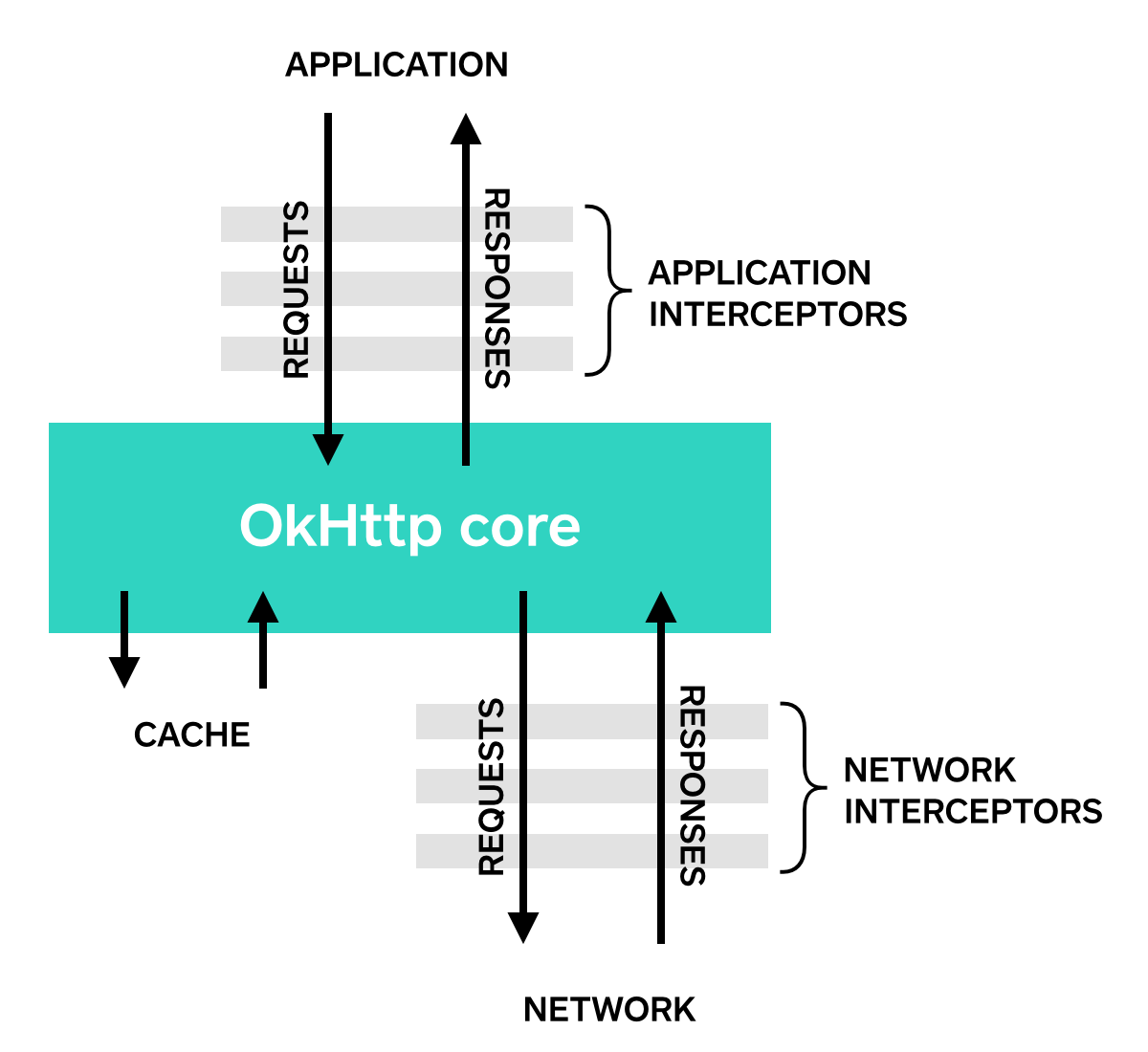
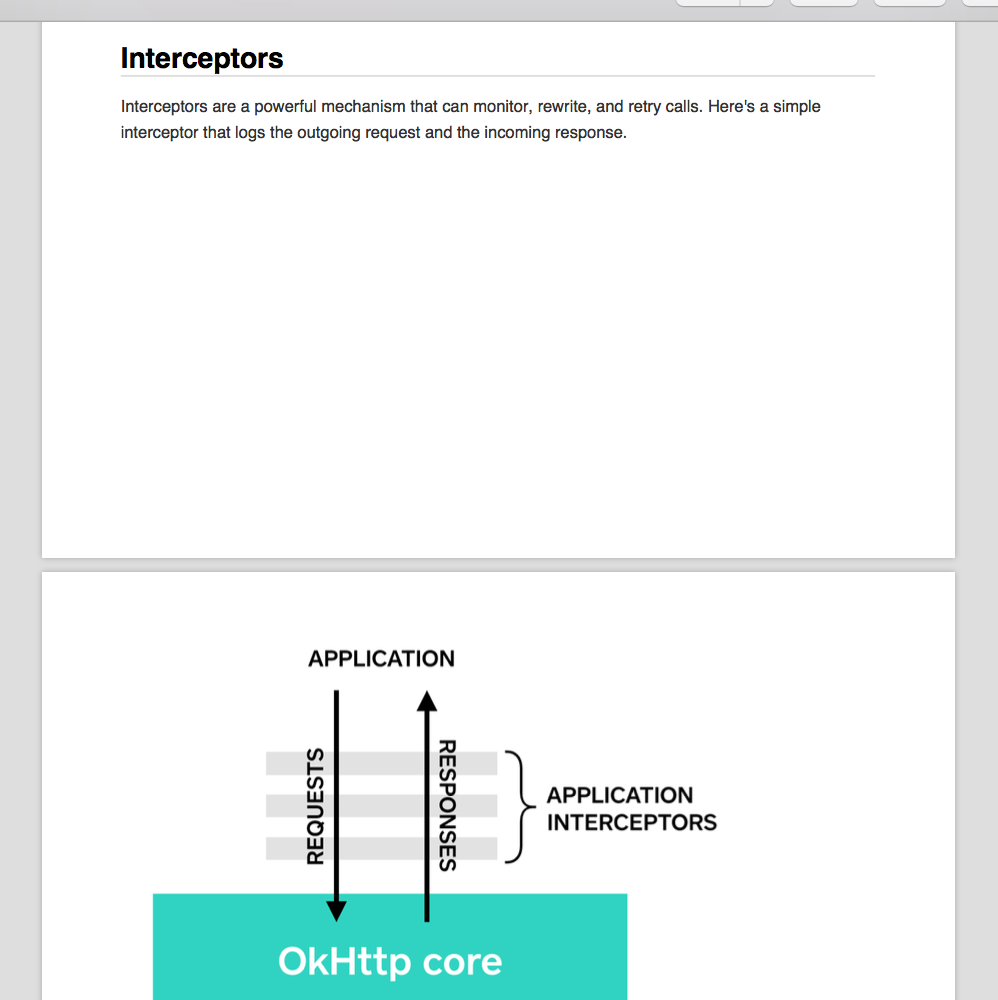
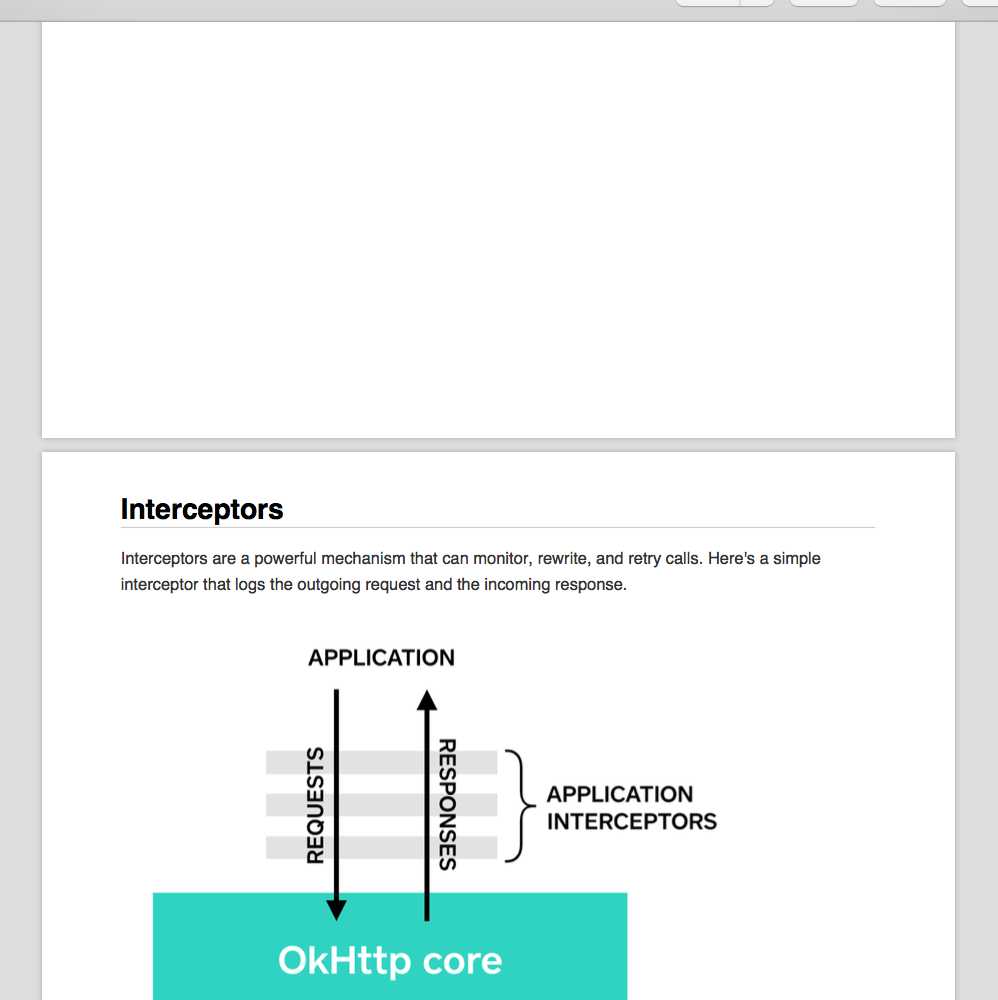
By default all TOC pages starts from a new page. Also with default css you will never see your code block or image
broken in two pages. To add additional page breaking use style="page-break-before: always !important; with empty div element.
Before :
### Interceptors
Interceptors are a powerful mechanism that can monitor, rewrite, and retry calls. Here's a simple interceptor that logs the outgoing request and the incoming response.
After :
<div style="page-break-before: always !important;"/>
### Interceptors
Interceptors are a powerful mechanism that can monitor, rewrite, and retry calls. Here's a simple interceptor that logs the outgoing request and the incoming response.

Code highlighting
Code highlighting is rendered using highlight.js.
You can customize the theme used by using the --highlight-theme option. By default, github theme is used.
Contributing
Contributions are welcome. The typical workflow is:
- Open an issue describing the change you'd like to make.
- Fork the repository (or create a feature branch if you have write access).
- Commit your changes with clear, descriptive messages.
- Open a pull request against the
developbranch.
Please follow the existing code style and include tests or reproduction steps where relevant.
License
This project is licensed under the MIT license. See the LICENSE file for the full text.
Repository
- Browse: https://forgejo.deployview.com/ssa/github-wikito-converter
- Clone (HTTPS):
https://forgejo.deployview.com/ssa/github-wikito-converter.git - Clone (SSH):
ssh://git@forgejo.deployview.com:30143/ssa/github-wikito-converter.git - Upstream / origin: github.com/shafiqalibhai/github-wikito-converter
This README was generated automatically based on repository metadata, contents, and any prior README content. Edit any section above to add project-specific detail.